The Law of Similarity in Behavioural Web Design

- Published on
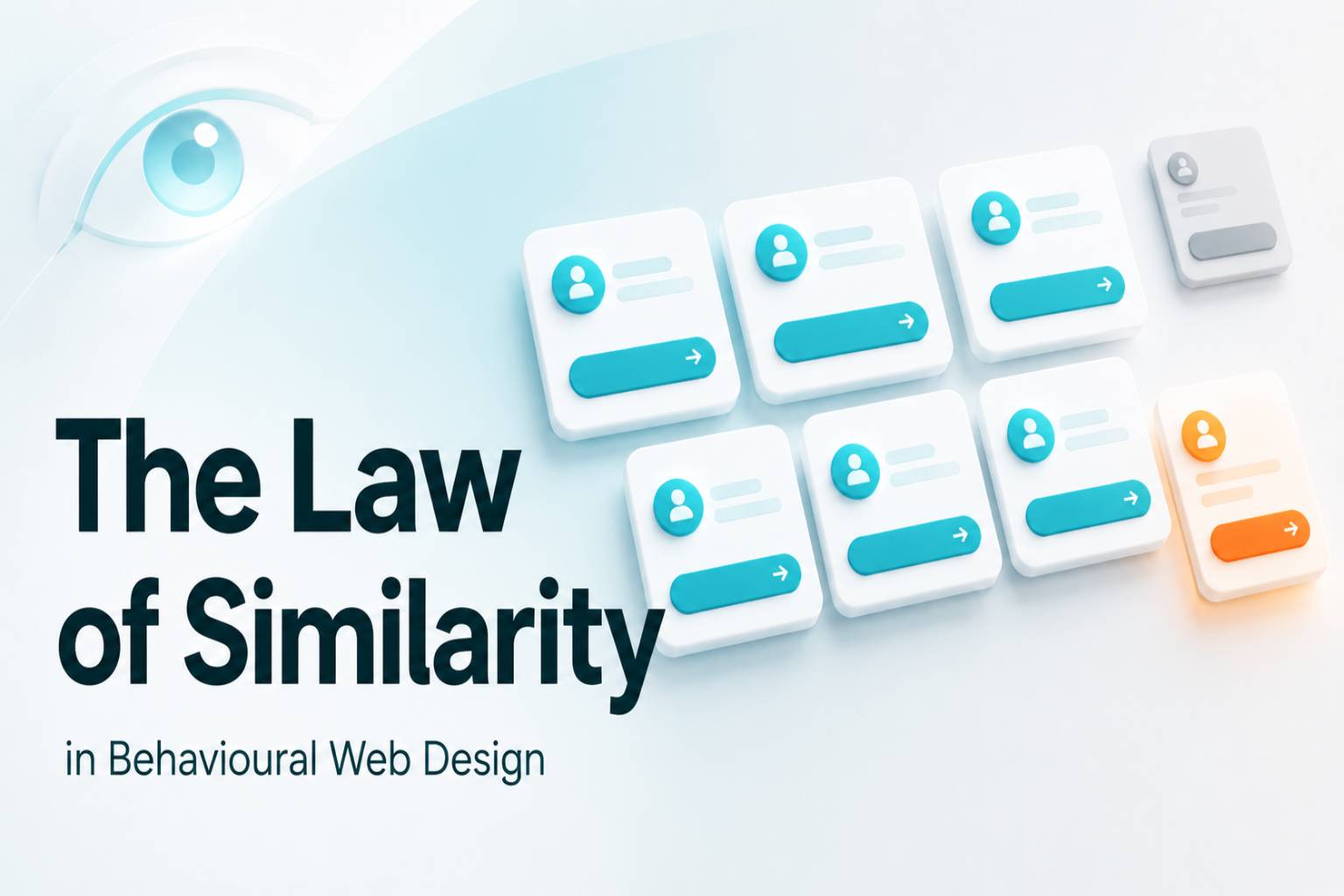
The Law of Similarity
The Law of Similarity is one of the reasons users can understand a page before they consciously read it. In behavioural web design, it explains how people group visual elements, compare repeated patterns, and decide what belongs together. A website does not need to explain every relationship in words. Its structure, spacing, styling, and repetition already tell the user what matters.
Strong websites use this principle deliberately. They make related elements feel related, repeated actions feel familiar, and important decisions easier to recognise. When similarity is handled well, the page feels clearer, faster, and more trustworthy.
What the principle means
At its core, the law of similarity explains that people naturally perceive elements with shared visual qualities as part of the same group. Items that look alike are understood as being connected, even before the user studies the content in detail. Shape, colour, size, icon style, typography, button treatment, and spacing all influence this perception.
In web design, this matters because users rarely read a page in a calm, linear way. They scan. They compare. They look for familiar patterns. When similar elements behave in similar ways, the interface becomes easier to understand. When similar elements behave differently, the page begins to feel unpredictable.
Why it matters on a website
A website has only a short window to make the next action feel clear. The law of similarity helps reduce that decision pressure by creating visual consistency. Users can quickly recognise which items are part of the same category, which buttons perform the same type of action, and which sections belong to the same journey.
This affects trust as much as usability. If cards, links, forms, icons, and calls to action follow a consistent pattern, the page feels intentional. If similar elements keep changing style or behaviour, users may hesitate because they are forced to relearn the interface at every step.
Good similarity makes a website feel stable. Poor similarity makes even a polished page feel harder to use.
How to apply it
Use similarity to create a clear visual language across the page. Product cards should follow the same structure. Primary buttons should look and behave consistently. Supporting proof, such as testimonials, ratings, client logos, or statistics, should be grouped in a way that makes their role obvious.
The principle is especially useful in navigation, service pages, comparison sections, pricing layouts, forms, and conversion areas. When a user sees repeated patterns, they should be able to predict what will happen next. This prediction is what makes the page feel simple.
The aim is not to make every element identical. The aim is to make intentional relationships visible. Similar things should look similar. Different things should look different enough to deserve attention.
Common mistake
The common mistake is using similarity as decoration rather than structure. Many pages repeat colours, cards, icons, or button styles without deciding what those repeated elements are supposed to communicate. This creates visual sameness without behavioural clarity.
Another mistake is making too many elements look equally important. If every button, badge, card, and section uses the same level of emphasis, users cannot easily identify the main action. Similarity should support the hierarchy, not flatten it.
A page can look visually consistent and still confuse users if the repeated patterns do not match the user journey.
Practical takeaway
Before publishing a page, look at the design as a system of visual relationships. Ask which elements look similar, why they look similar, and whether that similarity helps the user make sense of the page.
If repeated elements perform the same role, the design is supporting comprehension. If repeated elements perform different roles, the design may be creating unnecessary friction. The strongest use of similarity is quiet but powerful. It helps users understand the page without making them stop and think.
Design checklist
Make similar elements share the same visual treatment, especially when they perform the same function.
Keep repeated cards, buttons, icons, and form fields consistent across the page.
Use contrast only when an element genuinely needs to stand apart from the group.
Avoid making unrelated elements look too similar, especially near important decisions.
Test the page by asking whether a new visitor can quickly tell which items belong together.