How Loss Aversion Shapes Web Design Decisions

- Published on
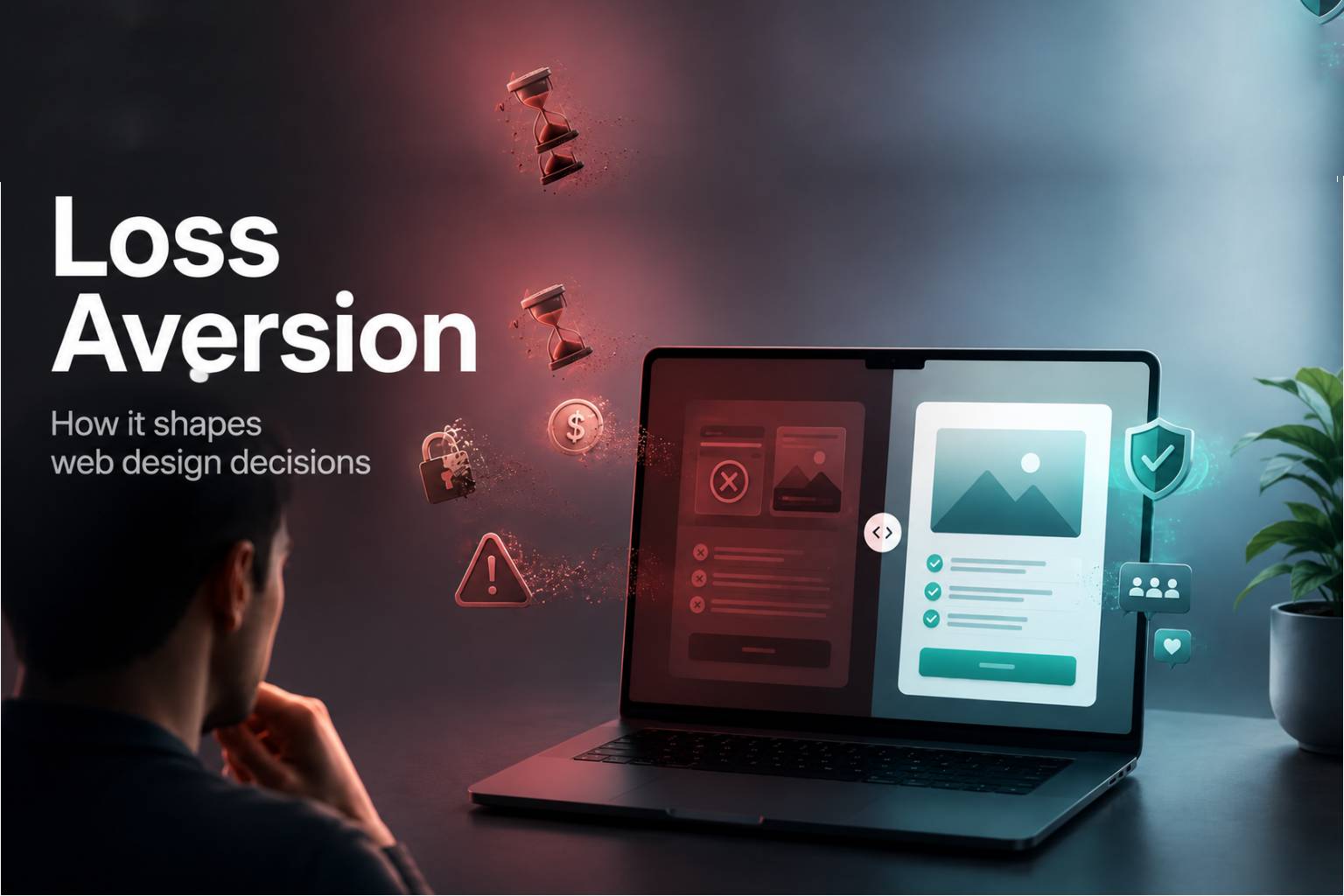
Loss Aversion
Loss Aversion is not just a psychology term. In behavioural web design, it becomes a practical lens for understanding why users hesitate, why they abandon pages, why they compare options, and why they often protect themselves by doing nothing. A visitor may be interested in an offer, but interest alone does not create action. The page also has to reduce the fear that the user may lose money, time, privacy, control, certainty, or a better opportunity elsewhere.
The strongest websites do not rely on visual polish alone. They use structure, sequencing, contrast, reassurance, and context to make decision making feel safer. They make the next step clear, but they also make the consequence of that step easier to understand. When users feel that a page has anticipated their concerns, they are more likely to continue.
What the principle means
At its core, loss aversion explains why people often feel the pain of losing something more strongly than the pleasure of gaining something similar. In a website context, that loss does not always mean money. It can mean wasted time, unnecessary effort, embarrassment, confusion, privacy risk, buyer regret, or the feeling of being trapped in a decision.
This is why users do not read and judge a page as a neutral machine would. They scan for signals. They look at the headline, the offer, the price, the form, the button, the proof, the guarantee, the design quality, and the surrounding context. They are not only asking, “What do I get?” They are also asking, “What could go wrong if I continue?”
A product page, service page, landing page, checkout flow, or lead form can trigger loss aversion in subtle ways. A vague price can make users assume hidden costs. A long form can make them feel they are giving away too much information. A weak comparison table can make them worry they are choosing the wrong option. A bold call to action with no reassurance nearby can make the action feel larger than it actually is.
In web design, loss aversion matters because the user’s perception of risk often appears before their full understanding of value. If the page does not reduce that perceived risk early enough, the user may leave before the offer has a fair chance.
Why it matters on a website
A website has only a small window to make the next action feel clear, safe, and worthwhile. When loss aversion is respected, the page feels more coherent because the user does not have to work hard to understand what is being asked of them. The design reduces uncertainty before it becomes resistance.
This matters most at decision points. Pricing pages, signup forms, demo requests, trial starts, booking flows, checkout pages, and consultation forms all carry a level of perceived risk. The user may wonder whether the product is right for them, whether the service is credible, whether the price is justified, whether the company can be trusted, or whether they can reverse the decision later.
When these concerns are ignored, users hesitate. They may scroll back and forth, compare too many options, abandon the page, search for reviews elsewhere, or postpone the decision completely. This does not always mean the offer is weak. It often means the page has failed to manage the emotional cost of continuing.
Good behavioural web design reduces that cost. It gives users enough information to feel that they are not making a blind decision. It uses proof where doubt is likely to appear. It places reassurance close to calls to action. It makes terms, pricing, cancellation, privacy, delivery, process, and expected outcomes easier to understand. The result is not a more aggressive page. It is a calmer, clearer, more trustworthy one.
How to apply it
Use loss aversion to guide layout, hierarchy, copy order, button placement, form design, product comparison, onboarding, checkout, and follow up messaging. The aim is not to manipulate the user. The aim is to remove unnecessary friction so the intended decision becomes easier to understand and easier to trust.
Start by identifying what the user may feel they are risking at each stage of the page. On a landing page, the risk may be wasting time. On a pricing page, it may be choosing the wrong plan. On a checkout page, it may be hidden cost or payment insecurity. On a service page, it may be uncertainty about expertise, process, or results. On a form, it may be giving away personal information without knowing what happens next.
Once the risk is clear, the design should answer it at the right moment. Reassurance should not be buried at the bottom of the page. If a user is being asked to click a button, nearby copy should clarify what happens after the click. If a user is being asked to share an email address, the page should explain what they will receive and whether their details will be used responsibly. If a user is comparing plans, the table should make the practical difference between options obvious.
Loss aversion also affects visual hierarchy. Important risk reducing information should be easy to find. Guarantees, testimonials, client logos, refund terms, security badges, delivery information, support details, and cancellation notes all become stronger when placed near the relevant decision. A page does not need to overload the user with reassurance. It needs to place the right reassurance beside the right moment of doubt.
Copy also plays a major role. Clear copy lowers perceived risk. Vague copy raises it. A button that says “Submit” can feel cold and final. A button that explains the action more clearly can feel safer. A headline that only promises a benefit may not be enough if the surrounding page does not explain the process, proof, or commitment involved.
The best application of loss aversion is quiet and structural. It does not rely on fear. It reduces the reasons a user might feel the need to protect themselves from the page.
Common mistake
The common mistake is treating loss aversion as a shortcut for urgency. Many websites use messages such as “limited time”, “last chance”, or “do not miss out” and assume they are applying behavioural psychology. In some situations, urgency can be useful, but when it feels artificial it can damage trust. Users are quick to notice pressure that does not feel earned.
Loss aversion is broader than urgency. It is about the user’s perception of possible downside across the full experience. A page can create loss aversion through unclear pricing, weak proof, confusing navigation, hidden terms, heavy forms, vague outcomes, poor mobile layout, or too many competing choices. These issues make the user feel that continuing may cost them something.
Another mistake is relying on design polish while ignoring decision clarity. A website can look premium and still feel risky. Beautiful spacing, strong typography, and refined colour choices do not automatically answer the user’s practical concerns. If the visitor cannot understand the offer, the next step, the commitment, and the reason to trust the page, the design is incomplete.
Good behavioural design makes the correct next step feel obvious without making the page feel forced. It gives users confidence rather than pressure. It helps them move forward because the decision has become easier, not because the page has made them anxious.
Practical takeaway
Before publishing a page, ask what the user may feel they could lose by taking action. That loss may be financial, practical, emotional, or cognitive. They may fear wasting money, losing time, making the wrong choice, sharing private information, being contacted too aggressively, missing a better deal, or entering a process they do not understand.
Then look at the page through that lens. Does the headline make the value clear quickly? Does the page explain who the offer is for? Does the proof appear before the main decision point? Does the form feel proportionate to the value being offered? Does the call to action explain what happens next? Are pricing, guarantees, privacy, cancellation, delivery, or support details visible where they matter?
A better page does not only explain what the visitor gains. It also reduces what the visitor fears losing. That is what makes loss aversion so important in web design. It reminds designers that conversion is not only about desire. It is also about safety, clarity, and confidence.
Design checklist
Make the first visible cue reduce the main risk behind the decision.
Keep pricing, proof, guarantees, privacy notes, and calls to action close enough to feel connected.
Remove uncertainty around cost, commitment, cancellation, next steps, support, and expected outcomes.
Use honest reassurance instead of artificial urgency, exaggerated scarcity, or pressure based messaging.
Test the page by asking whether a new visitor can explain what they gain, what they risk, and what happens next in five seconds.